GUIDE · ANIMATED POSTS
A post that moves
gets the second look.
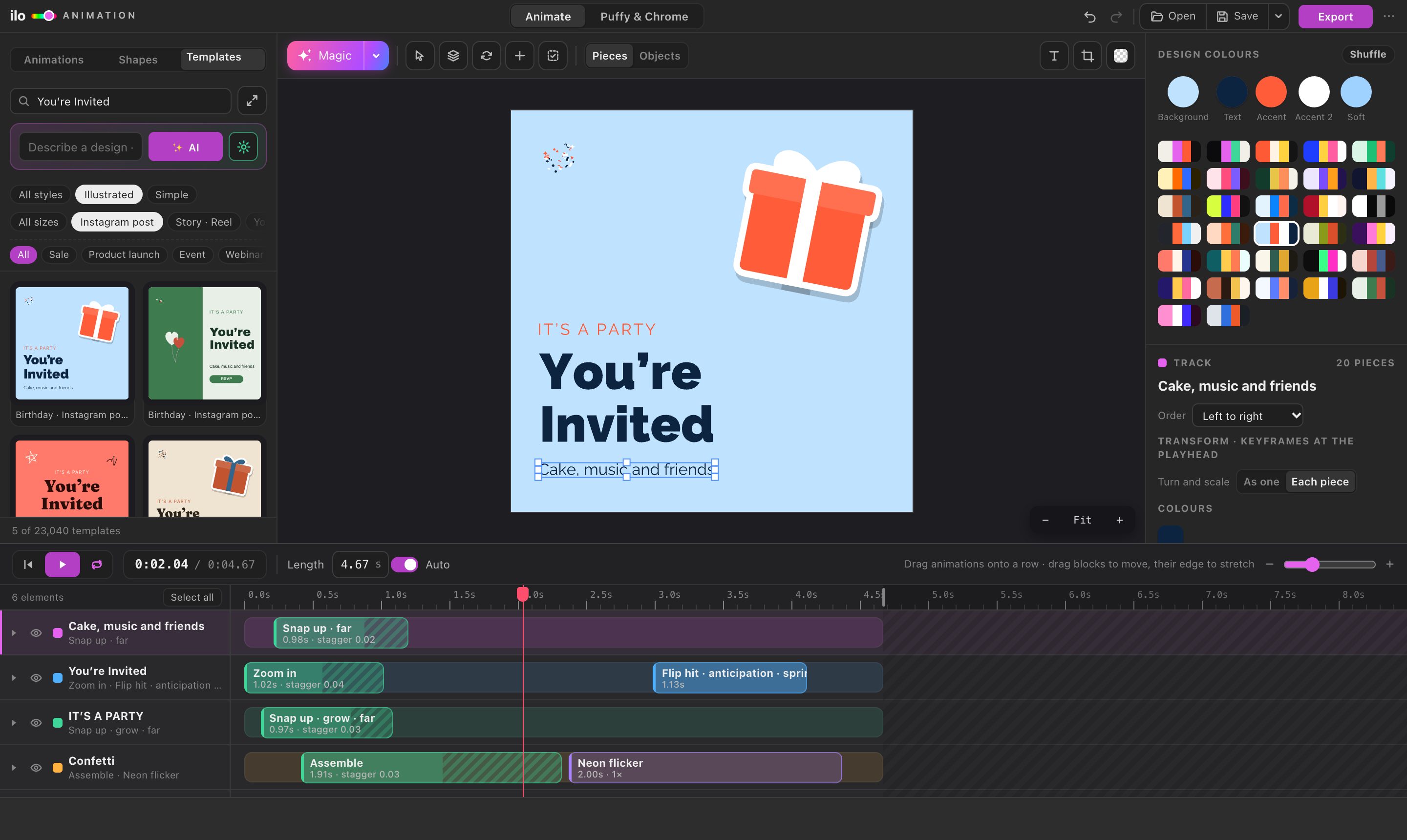
An animated post earns a moment of attention in a feed of still images. Ilo Animation makes one in about a minute: pick a template in the right size, change the words and colours, press Magic, and export an MP4 ready for Instagram, TikTok or WhatsApp.
01 — HOW IT WORKS
Template, words, Magic.
- 01
Pick the size and a template
Instagram post 1080 × 1080, Story and Reel 1080 × 1920, plus YouTube, presentation, Facebook, LinkedIn, poster and logo sizes. 23,040 templates by occasion.
- 02
Make it yours
Change the words with 1,900+ Google Fonts, recolour the whole design with one palette click, add your pictures, logo or shapes.
- 03
Magic and export
One click animates every element. Export MP4 at 720 or 1080 px for the feed and stories, or GIF for chats.
02 — QUESTIONS
Good to know.
What size is an animated Instagram post?
Square posts are 1080 × 1080 and stories and reels are 1080 × 1920; both sizes are ready-made in the app. Export MP4 at 1080 for the sharpest result.
Can I use my own design instead of a template?
Yes. Open an SVG, an Illustrator .ai or a PNG, or work in Illustrator with the panel, and animate it the same way.
Is there a watermark?
No, not during the free trial and not after.
How is it different from Canva?
Canva is great for quick posts from templates. ilo also exports Lottie and animated SVG for websites and apps, gives you a real timeline with keyframes, and works with your own Illustrator artwork. The comparison.
What does it cost?
Animating is free online; exporting starts a 5-day free trial with every feature and no card. See pricing.