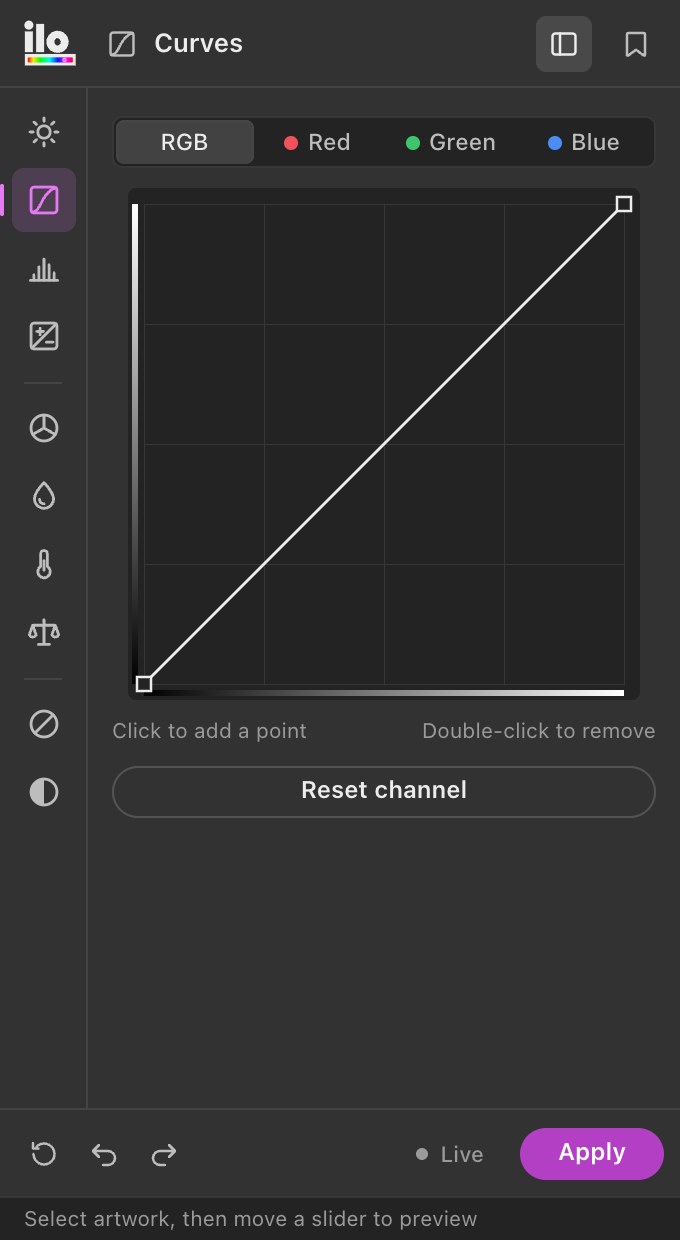
Curves
Master and per-channel curves with a live histogram of your artwork’s colors.
ILO COLOR TOOLS · 1.4
A docked Illustrator panel with the color tools designers reach for in Photoshop — applied to fills, strokes, gradients and text of your vector artwork, live as you drag.
5-day free trial — download it, open it in Illustrator and press Start the free trial. No card, no key.
← a working replica of the panel. drag the sliders — every fill, stroke, gradient stop and letter follows →
THE TOOLS
01 / 10
Master and per-channel curves with a live histogram of your artwork’s colors.
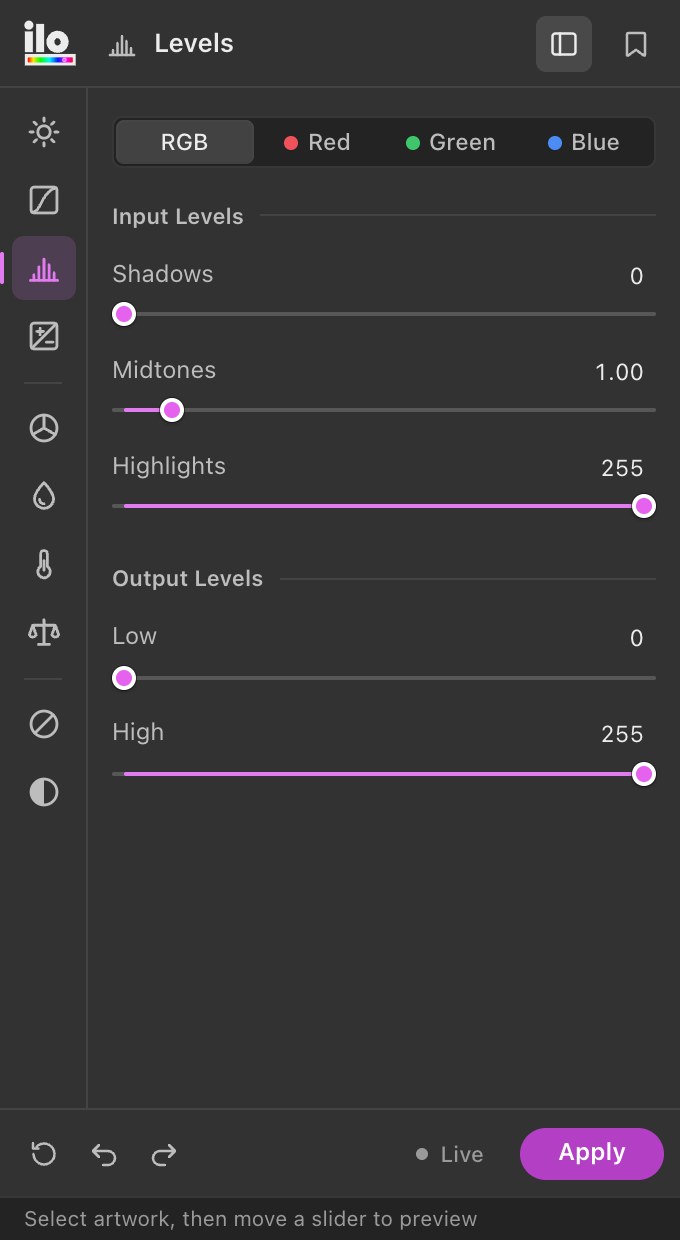
Input and output levels with gamma, per channel.
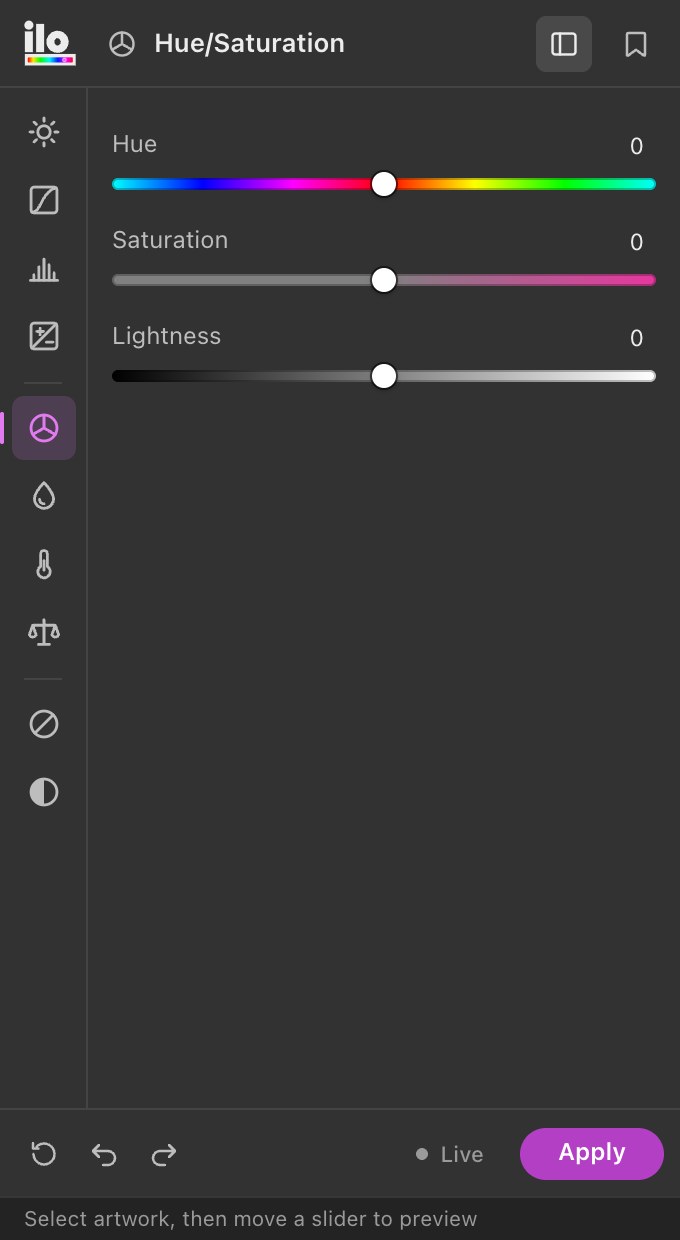
Shift hue, saturation and lightness across the whole selection at once.
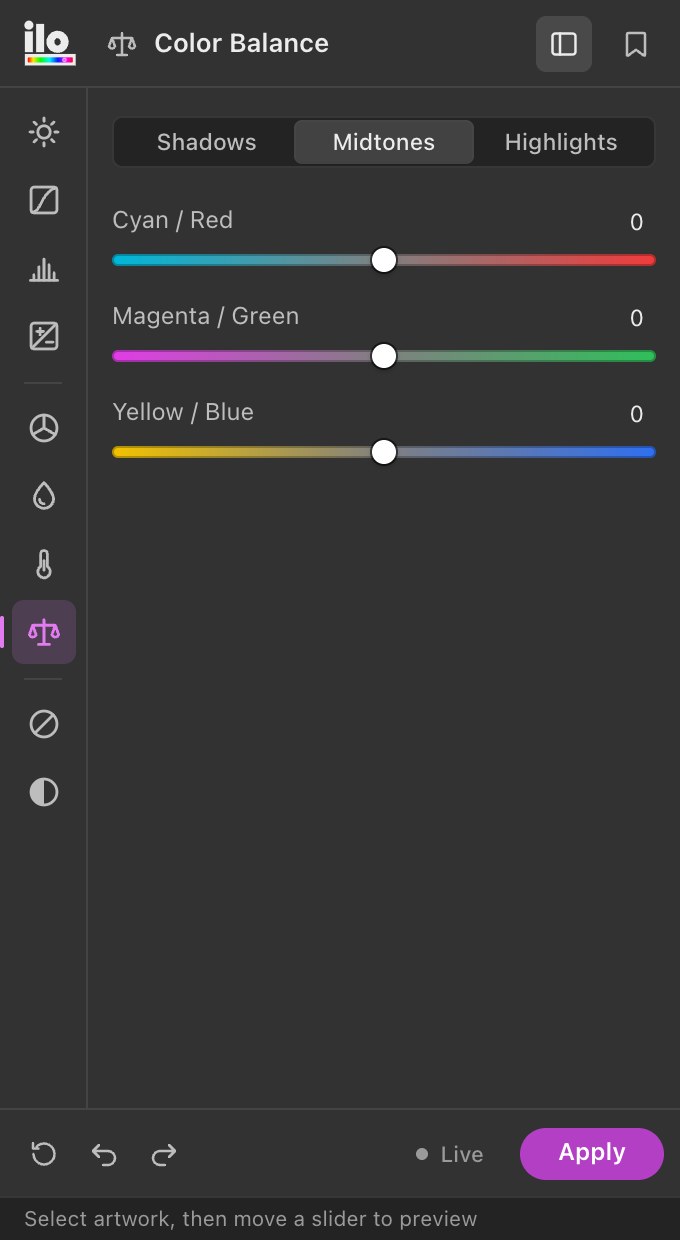
Push shadows, midtones and highlights toward any color.
Fast global tone for flat illustrations and icon sets.
Exposure, offset and gamma — photographic control over vector color.
Warm up or cool down a palette in one move.
Pull everything toward a target color while keeping relationships.
Luminosity, average, lightness, max and min methods, with an amount slider.
Clean inversions of fills, strokes and gradients in one click.
RGB to CMYK that looks like the screen. It learns how your print profile really prints, then picks the inks closest to each colour — hue first, within your ink limit, greys in black ink only. Convert the document or keep RGB with print-safe colours.
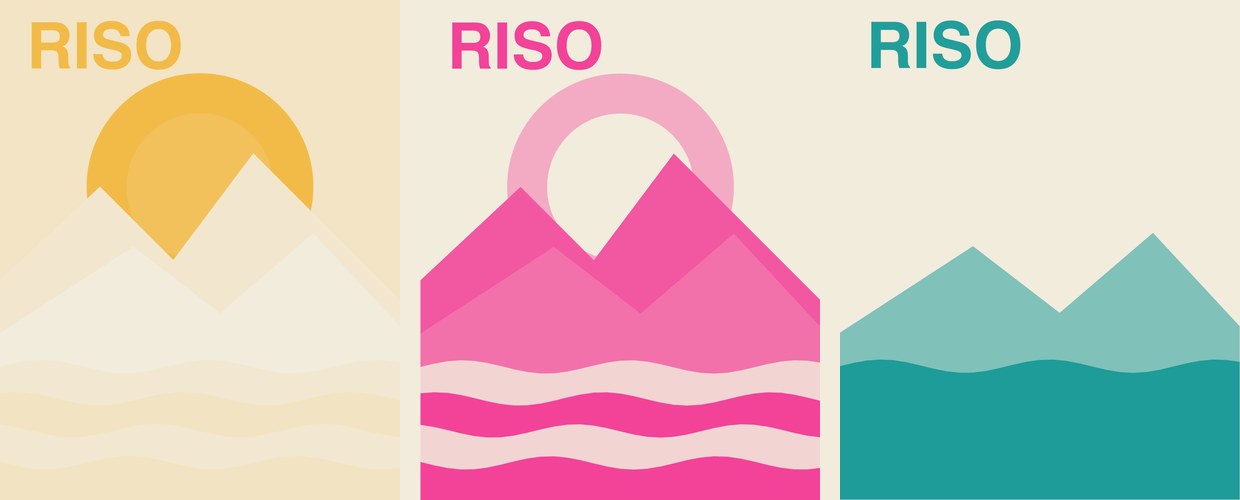
Real Risograph separations: the best 1–3 inks from the Riso library, every colour mixed from overprinted tints, one spot plate per ink — gradients included.
Grainy gradients made of real vector dots that follow the tones of your artwork — sharp at any size and print-ready, with a live preview in the panel.
Save any adjustment as a preset and reuse it across projects.
NEW IN 1.3 · RISO MATCH


Riso Match picks the best one, two or three inks from the official Riso ink library for your palette, then mixes every colour from overprinted tints — the way the drum really prints. One spot-colour plate per ink, as editable vectors, gradients included.
NEW IN 1.4 · VECTOR GRAIN

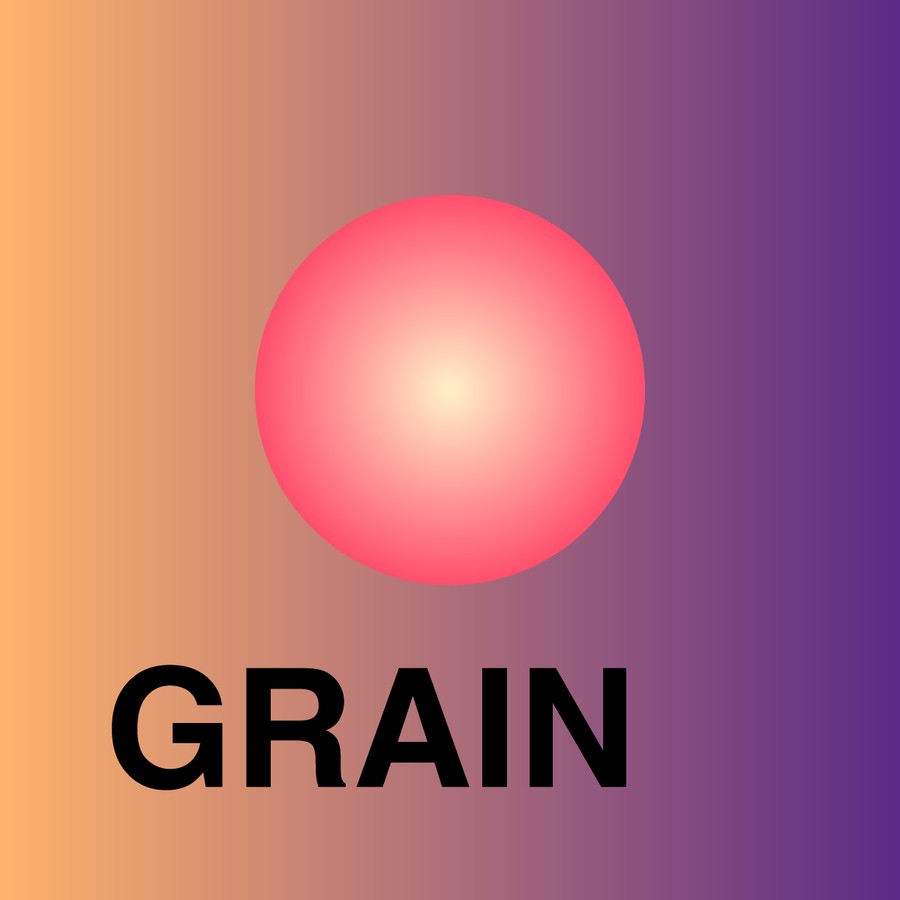
The grainy-gradient look everyone wants — without Illustrator's raster Grain effect. Vector Grain reads the tones of your selection and scatters dots that gather in the shadows (or the highlights), as one compound path clipped to each shape.

WHY DESIGNERS USE IT
BETTER TOGETHER
Get two or all four in one checkout and save 25%.
See bundlesPRICING