Real dots, not a raster effect
Grainy gradients made of vector dots that gather in the shadows or the highlights, clipped to each shape, sharp at any size. One colour per grain layer, so it separates cleanly onto the Riso plates too.
GUIDE · RISOGRAPH IN ILLUSTRATOR
Most "risograph effect" tutorials in Illustrator add grain and a limited palette so artwork looks printed. That is a style. To actually print on a Riso you need separations: one plate per drum, each a spot colour, every colour mixed from overprinting tints. Ilo Color Tools makes both, from your own artwork.
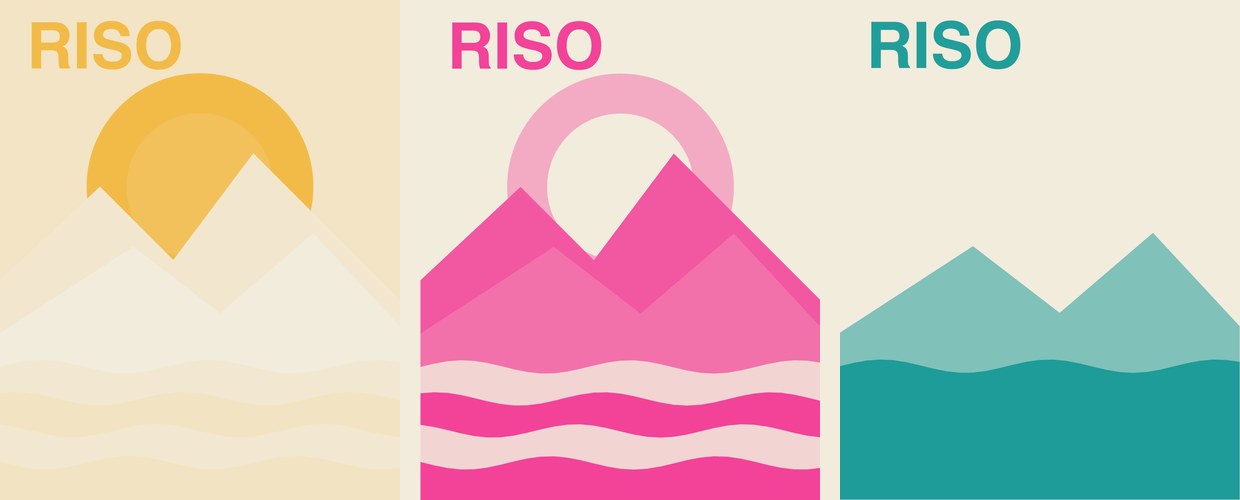
01 — RISO MATCH
Riso Match picks the best one, two or three inks for your palette from 70+ real Riso inks, or you lock the ones your print shop has.
It shows how close every colour gets before you print, on white, natural or kraft paper, with optional misregistration for the authentic look.
One spot-colour plate per ink, as editable vectors, gradients included, on their own layer. Your original artwork is hidden, never changed.
02 — THE TEXTURE
Grainy gradients made of vector dots that gather in the shadows or the highlights, clipped to each shape, sharp at any size. One colour per grain layer, so it separates cleanly onto the Riso plates too.
Print Match converts RGB to CMYK that keeps the look on screen, within your ink limit, for offset and digital print.
03 — QUESTIONS
For the look only: a limited palette, multiply overlaps and grain. For real printing: separate the artwork into one spot-colour plate per Riso ink, with colours mixed from overprinted tints. Riso Match in Ilo Color Tools does the separation automatically.
70+ inks from the official Riso ink library, such as Fluorescent Pink, Sunflower and Light Teal. You can let Riso Match choose or lock the inks you own.
No. The plates go on their own layer and your artwork is hidden, not changed.
Adobe Illustrator 2023 or newer on Mac or Windows. 5 days free, then from $7 a month; see pricing.