For chats, slides and email
Loops forever and plays anywhere, even where video does not.
WORKFLOW · SVG TO GIF & VIDEO
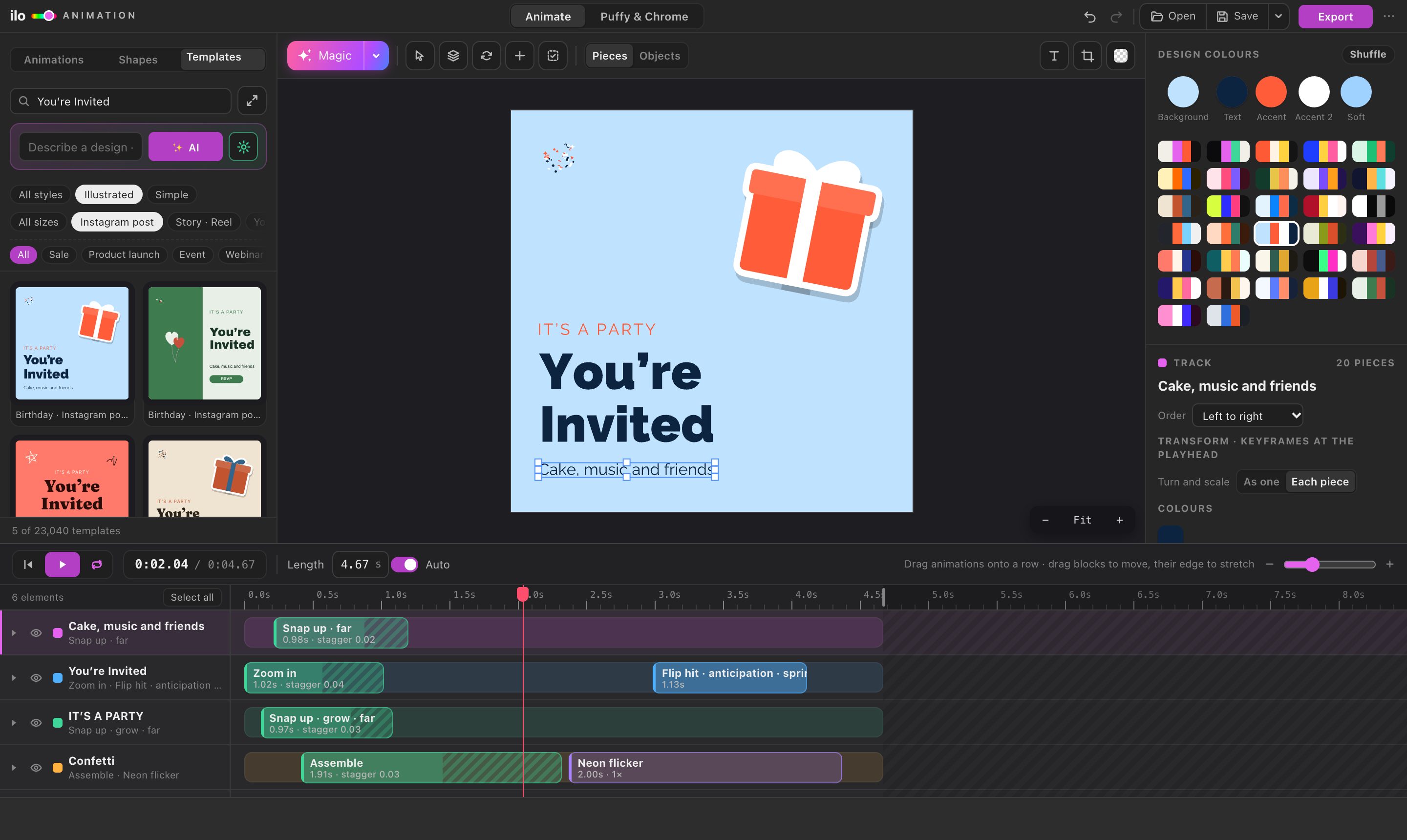
Converters turn an SVG into a GIF that does not move. Ilo Animation animates it first: open the file, give it motion in one click, and export a GIF for chats and slides, an MP4 for Instagram, TikTok and WhatsApp, or a WebM for websites.
01 — PICK THE FORMAT
Loops forever and plays anywhere, even where video does not.
Plays everywhere: Instagram, TikTok, WhatsApp, Premiere, Keynote.
Sharp and small, and it keeps a transparent background, so it sits on any page colour.
One small file that plays in any browser, with no player and no script.
02 — THE SETTINGS
As on stage keeps the canvas colour or gradient; Transparent leaves only the artwork, for overlays and stickers (GIF, WebM, Lottie and animated SVG; MP4 always has a background).
480, 720 or 1080 pixels for GIF and video. 720 is a good default; 1080 for full-screen stories.
24 for a filmic feel, 30 for social, 60 for the smoothest motion on screens. GIFs play at up to 50.
03 — QUESTIONS
SVG, Adobe Illustrator .ai (saved with Create PDF Compatible File, Illustrator's default), PDF, and pictures: PNG, JPEG, WebP and GIF. Drop several SVGs on the stage and each becomes its own layer.
Start from one of 23,040 templates in every social size, change the words and colours, and press Magic.
Yes: choose Transparent in the export window. A GIF pixel is either fully see-through or fully solid, so soft edges get a hard cut; for soft transparent edges on a website, use WebM or animated SVG. MP4 always has a background.
No. The app opens and animates your file in your browser, and the export is made on your computer.
Opening and animating are free. Exporting starts a 5-day free trial with every feature and no card; see pricing for after that.