Auto retouch
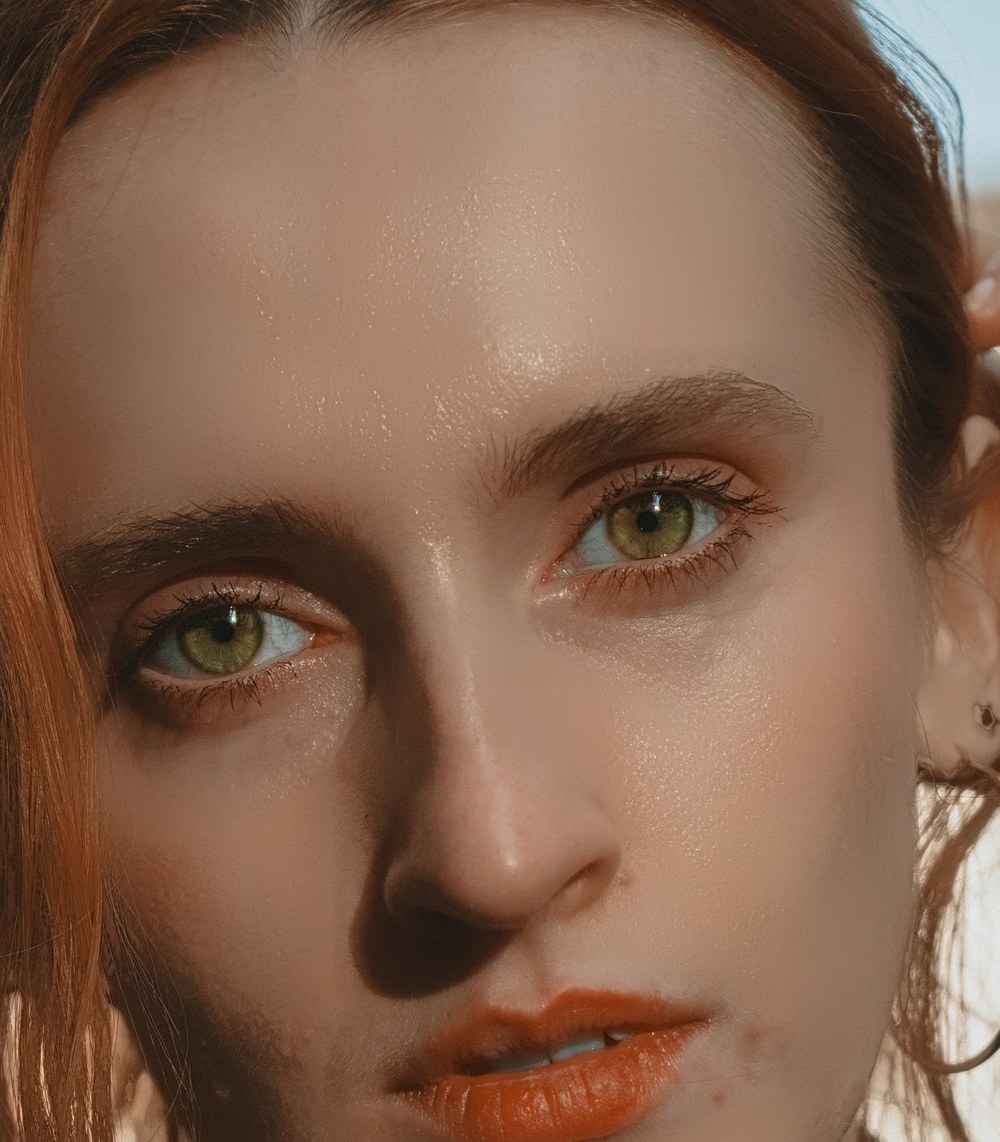
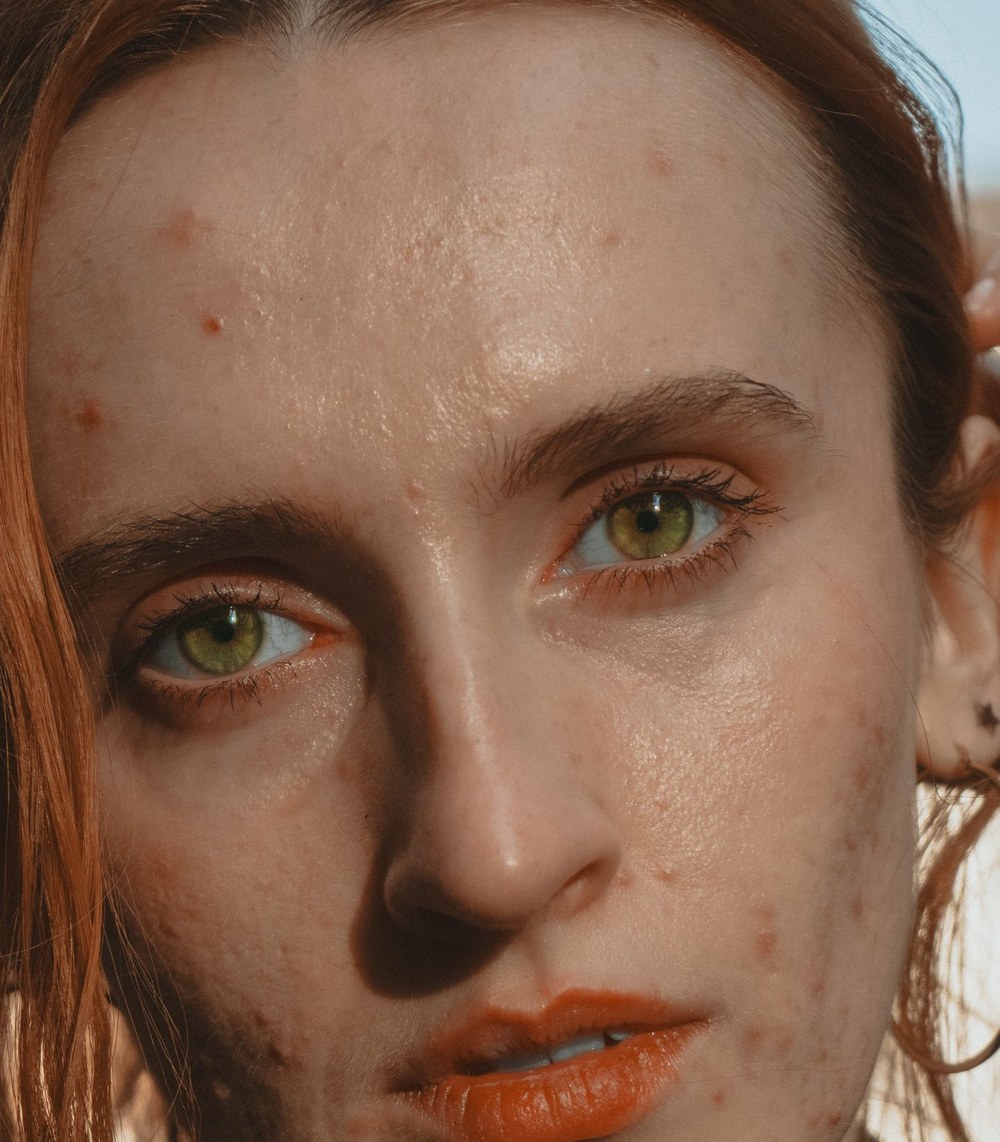
Finds faces, eyes, nose and mouth, then applies a natural, editable retouch in one click.
ILO RETOUCH · 1.0 NEW
One click finds every face, cleans up acne and blemishes, smooths skin without the plastic look, evens redness, fixes red eyes and brightens eyes and teeth. Then fine-tune anything — right inside Adobe Illustrator.
5-day free trial — download it, open it in Illustrator and press Start the free trial. No card, no key.

ONE CLICK
It looks at the photo the way a retoucher does: finds the faces and their eyes, brows, nose and mouth, then only touches skin. Nothing is hidden in a filter — every spot it healed shows up as a mark you can remove, and every slider stays yours.
WORKFLOW
Any placed or embedded image on your artboard — or several at once. Ilo Retouch opens them in its own window.
Press one button, then refine: heal more spots with the brush, change the strength, compare before and after.
The retouched photo goes back in the same place, size and clipping. The original is kept — reopen it any time and keep editing.
THE TOOLS
Finds faces, eyes, nose and mouth, then applies a natural, editable retouch in one click.
Acne, red bumps and small marks across the whole face disappear in one pass — healed from the skin right around each one, so pores and texture stay real.
Finds spots that are round and isolated on clean skin — not pores, creases or features — and heals each one from matching skin nearby.
Click any spot to heal it. The best clean skin next to it is chosen for you; Option-click a mark to undo just that one.
Frequency-separation smoothing with automatic dodge & burn: bumps, scars and blotchy light even out while pores stay — Keep texture decides how much.
Tames oily highlights on the forehead, nose and cheeks, without flattening the light on the face.
Calms blotchy redness and uneven color while brightness and shape stay exactly as they were.
Detects red pupils automatically and fixes only the eyes that need it — or click an eye with the red-eye tool.
A touch more light and clarity in the iris and whites, only inside the eyes.
Removes the yellow from teeth without turning them grey or glowing.
A draggable split, zoom to 100%, unlimited undo and redo.
PRIVATE BY DESIGN
Face detection and every retouch run on your own computer, on the GPU. No uploads, no cloud credits, no waiting in a queue.
ALL THREE TOOLS
Get the whole ilo suite in one checkout and save 25%.
See bundlesREQUIREMENTS
PRICING